Printing
Receipt and kitchen-ticket printing
The question every merchant asks before switching systems: will it work with the printer I already have?
- Epson, Star, Bixolon and Sunmi over USB, network, Bluetooth or serial
- Print from a tablet, phone or computer
- Kitchen tickets routed per station
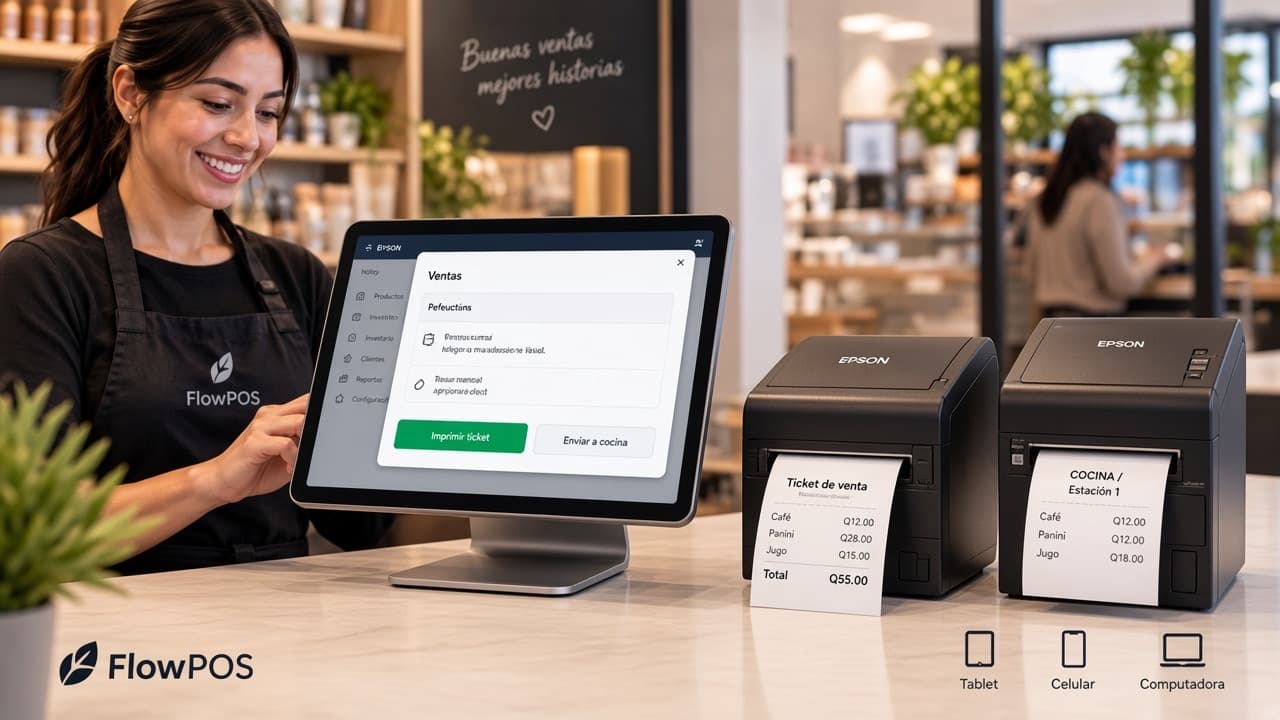
What you can print
Sales receipt
The document the customer takes away, itemised.
Kitchen ticket
The order that reaches the station preparing each dish.
Cash-up report
The shift close in print, with totals by payment method.
Barcode labels
Labels for your products and variants, ready for the shelf.
How it works
You connect your printer
Over USB, network, Bluetooth or serial, depending on what's already on your counter.
Check whether my printer is supportedYou decide what prints where
Receipts at the till, tickets in the kitchen, and each station with its own if it needs one.
See per-station configurationIt prints on its own
As the sale closes or the order is sent, the document comes out on the right printer.
See a test print
Questions about printing
FlowPOS works with Epson, Star, Bixolon and Sunmi thermal printers over USB, network, Bluetooth or serial. If you're unsure of the model, send us a photo on WhatsApp and we'll confirm. Yes. You can print from a tablet, phone or computer, depending on how the printer is connected. Yes. One at the till, one in the hot kitchen and one at the bar, each receiving only what belongs to it. Yes. If your cash drawer is connected to the printer, it opens automatically as a cash sale closes. In most cases, no. If your thermal printer is one of the supported brands, it usually works with no changes.
Send us your printer model and we'll confirm
You don't need to buy new equipment to start. FlowPOS runs on the device you already use and connects to the printers most common in Guatemala. If you prefer, send us a photo of the unit and we'll check it with you.