Multi-location
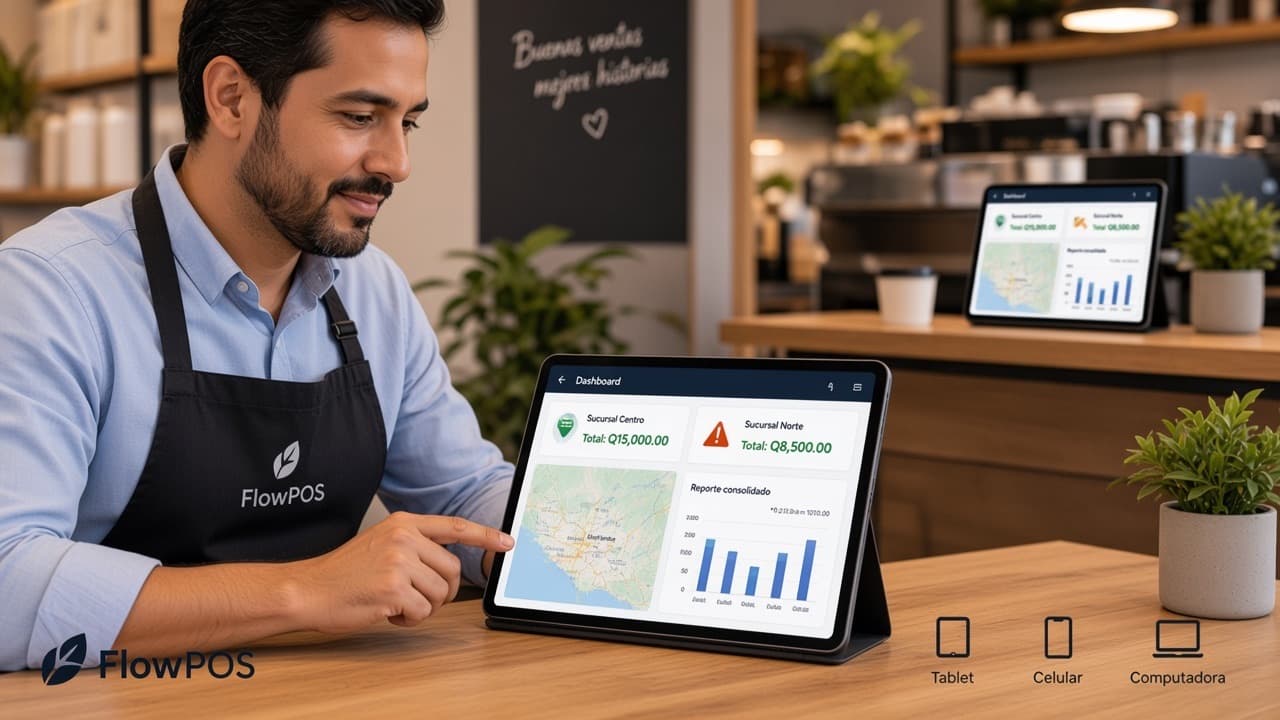
Every location in a single account
Opening a second site shouldn't mean two systems, two inventories and two reports someone has to reconcile by hand.
- Per-location stock and pricing, one shared catalogue
- Consolidated reporting across the whole business
- Role-based permissions: each manager sees their own site
What multi-location includes
Stock per location
Every location and storeroom with its own counts.
Transfers between locations
Move product from one site to another with every transfer recorded.
Consolidated reporting
The whole business, or the detail of a single site.
Role-based permissions
Each manager sees only the location they run.
How it works
You register each location
Each with its address, its tills and the people who work there.
Ask how locations are set upYou share the catalogue
One catalogue for all of them, with per-location pricing and stock.
See per-location pricingYou read the consolidated view
See the whole business and compare locations without asking anyone for a report.
See the consolidated report
Questions about multiple locations
The Monthly and Annual plans are charged per location. The Variable plan is calculated on 1% of total sales across all your locations, with no fixed charge per site. Message us and we'll work out which suits you. Yes. The catalogue is shared, but each location can carry its own price where it needs to. Yes. Every transfer is recorded, with stock updated at both the sending and the receiving site. Yes. Permissions are role-based: a site manager sees their own operation, and only head office sees the consolidated view. Yes. FlowPOS supports several companies in the same account, each invoicing with its own tax details.
Stop stitching each location's report together by hand
We'll show you FlowPOS with your business's real structure: locations, storerooms and reporting.